The app
What Pulse does
Find activities near you, host your own, and meet the people to show up with.
Find
Find your next activity
Activities happening around you
Each one shows the sport, the pace, where it meets and who is already going.
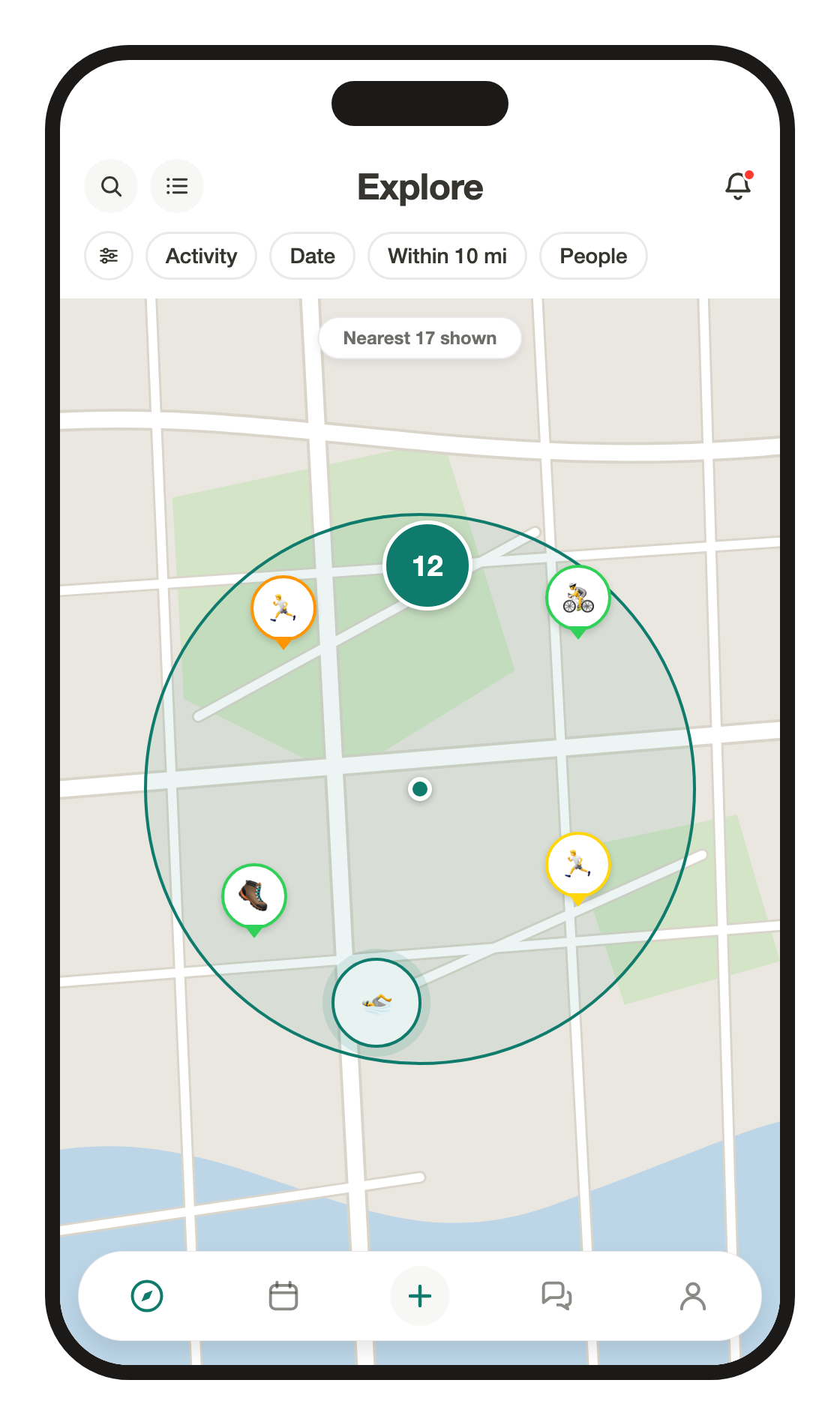
See it on a map
Flip the feed onto a map, choose how far out to look, and tap a pin to open the activity.
Filters that get specific
Sport, date, distance, pace, effort or friends only. Save your defaults and the feed opens filtered.
Swipe to RSVP
Swipe right on an activity to join it, swipe left to hide it.
Maybe counts too
Going, maybe or not for me. Change your answer any time, and hidden activities come back with one filter.
Routes
Draw the route, then run it
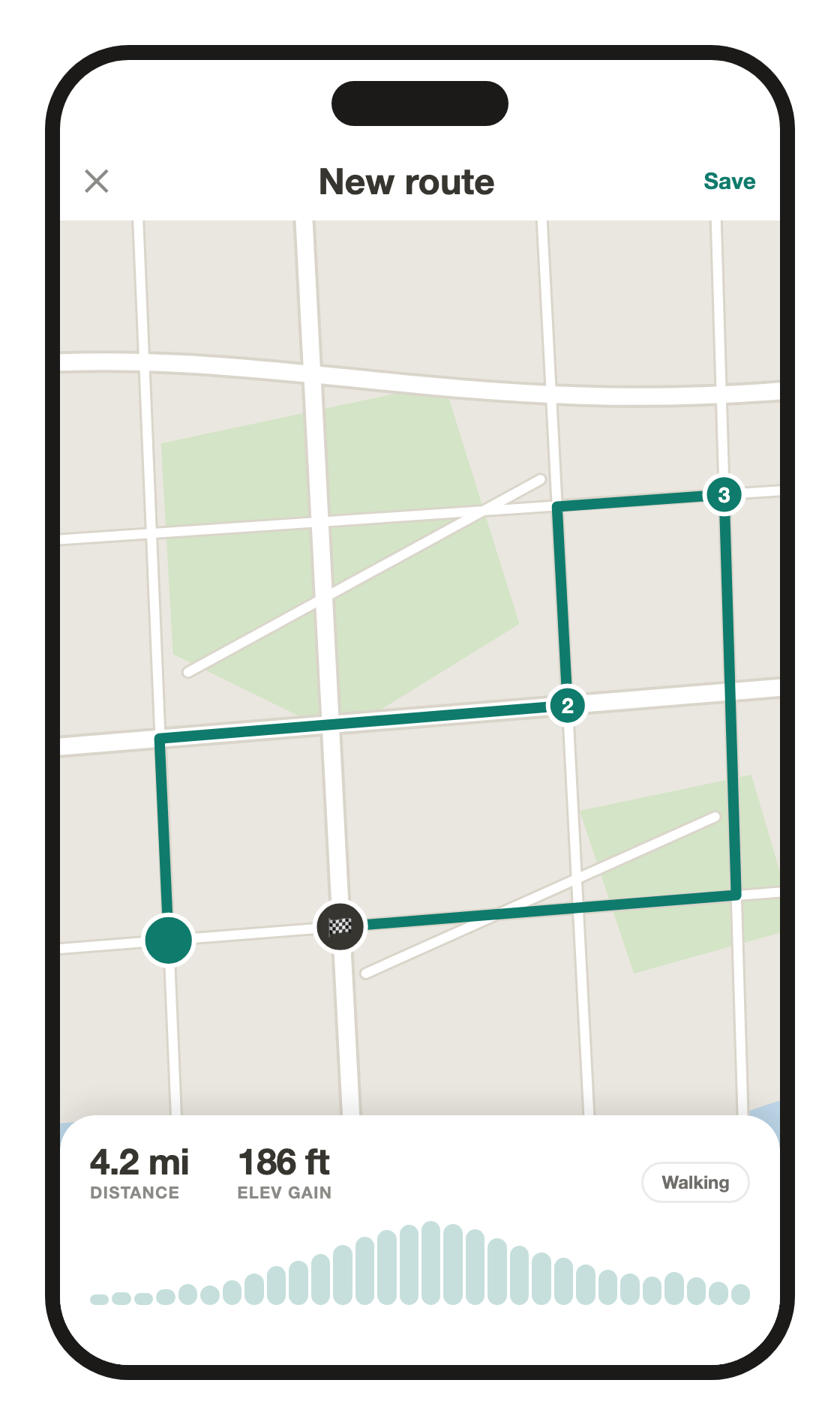
Draw it on the map
Drop points and the line between them follows real streets, with the distance and the climb adding up as you go.
Or bring one from Strava
Attach a route from your Strava account and it draws on the activity the same way.
Save it, use it again
Name a route once and attach it to your next run, ride or hike.
Host
Make your own
A plan in a few taps
Sport, pace, time, place. Cap the group or leave it open.
Give it a vibe
Coffee after, all paces, new faces welcome. Pick up to four vibes, including your own, and people see them on the activity card.
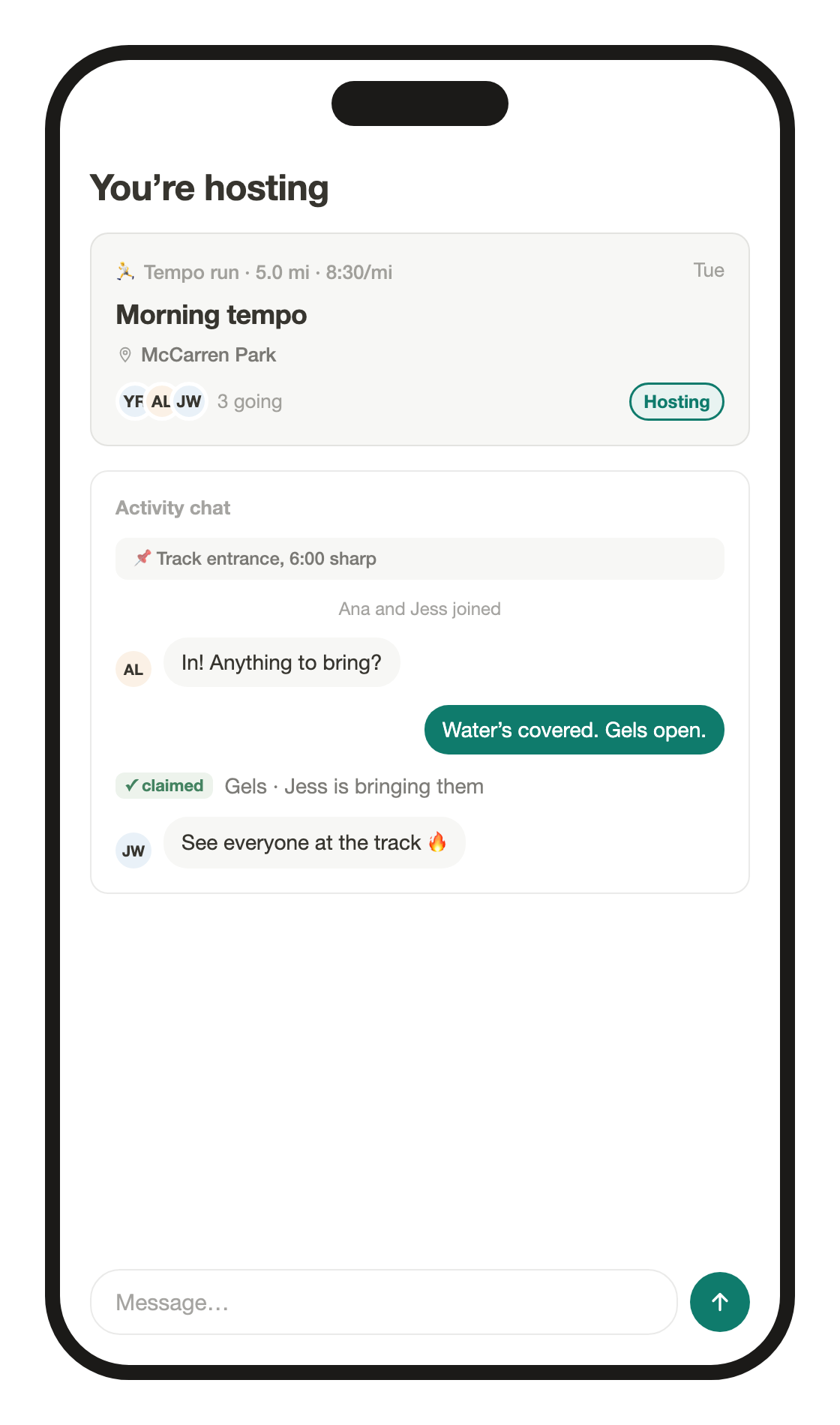
Every activity gets a chat
Everyone who joins is in it, and you pin what matters so nobody scrolls for the meeting point.
Set who can join
Open to everyone, friends only or invite only.
What to bring, claimed
List what to bring, like water, a pump or a spare tube. People claim items so nobody doubles up.
Add a cohost
Name a friend as cohost and they can edit details, handle join requests and pin in the chat.
Same time next week
Set it to repeat, every Tuesday or the third Saturday, and the next one is posted the moment this one starts.
Invite anyone with a link
Your link opens in any browser. Friends RSVP with a phone number, no app needed, and every join is credited to you.
Safety
Safety and privacy, built in
Approve who joins
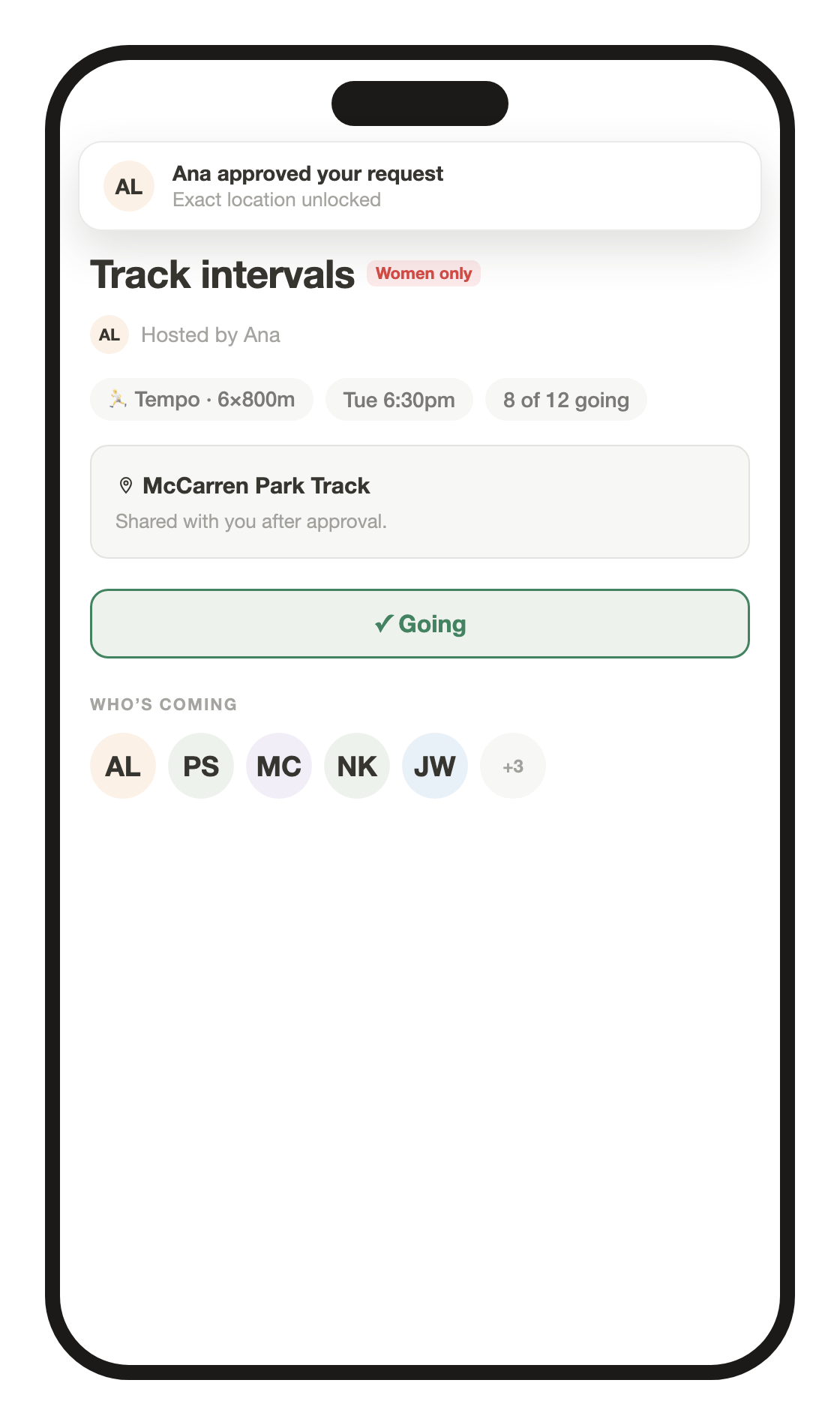
Request-only activities show the area, not the spot. Approve someone and they get the exact meeting point.
Same on the map
Until you are in, an activity shows as an area on the map, never a pin on someone’s doorstep.
Women-only activities
Women can host women-only activities. They are marked on every card and have their own filter.
Messages on your terms
A message from someone new arrives as a request. They can send one message, and nothing more until you accept.
Block, mute, report
Report any profile, activity or message. Mute someone to keep their activities out of your feed, or block them to cut contact both ways.
Your profile, your call
Photos, interests, friends and race results: set each one to public, friends only or private.
Your profile
Show your side of sport
Your workouts, your highlights
Connect Strava and choose the activities you want to showcase on your Pulse profile.
Make each highlight yours
Choose the stats and cover for each highlight card, then put your favorites first.
More than a pace
Add your photos, bio and interests so people can get to know the person joining them.